October 1, 2026
What a Digital Menu Board Actually Costs in Year One
A practical breakdown of what a digital menu board costs in year one, from screens and mounts to software and install, and what moves the final number.
By Eric Lamanna

Most owners pricing a digital menu board start with the screen itself and get surprised by everything after it. The display is the headline number on the quote, but it is rarely the line that blows up the budget. Mounts, cable runs, a player per screen, software, electricity, and the hours you spend fixing a frozen board at 11:15 all live in year one too.
This piece walks the real line items for a counter-service restaurant going digital for the first time, then shows where each one inflates. Use it to decide how many screens you actually need, which hardware tier earns its keep, and whether to self-install.
How much of year one is the screen, really?
The Screen Is the Smallest Decision You Think It Is
A 43" to 55" commercial panel is the standard menu-board unit. On current street pricing, a 55" commercial display runs $600 to $2,500, and a 43" commercial-grade display runs $400 to $700. That is a wide band, and the difference between the floor and the ceiling is almost entirely brightness, duty cycle, and warranty.
You can go cheaper with a consumer TV. A 55" smart TV from a big-box store starts around $230. The catch is in the fine print. Commercial displays typically ship with a three-year warranty, while most consumer TVs come with only a one-year warranty, and consumer-TV warranties often exclude or are voided by commercial use. Running a living-room TV 14 hours a day behind a counter is a bet that it will last long enough to beat the price gap. Sometimes it does. Often it doesn't: commercial displays can last roughly 70,000 to 100,000 hours, whereas consumer TVs are built for only 6 to 8 hours of use per day.
Buy a commercial panel for anything the public sees for more than eight hours. Keep a consumer TV in the break room, if anywhere.
The Players, Mounts and Cabling You Will Forget to Quote
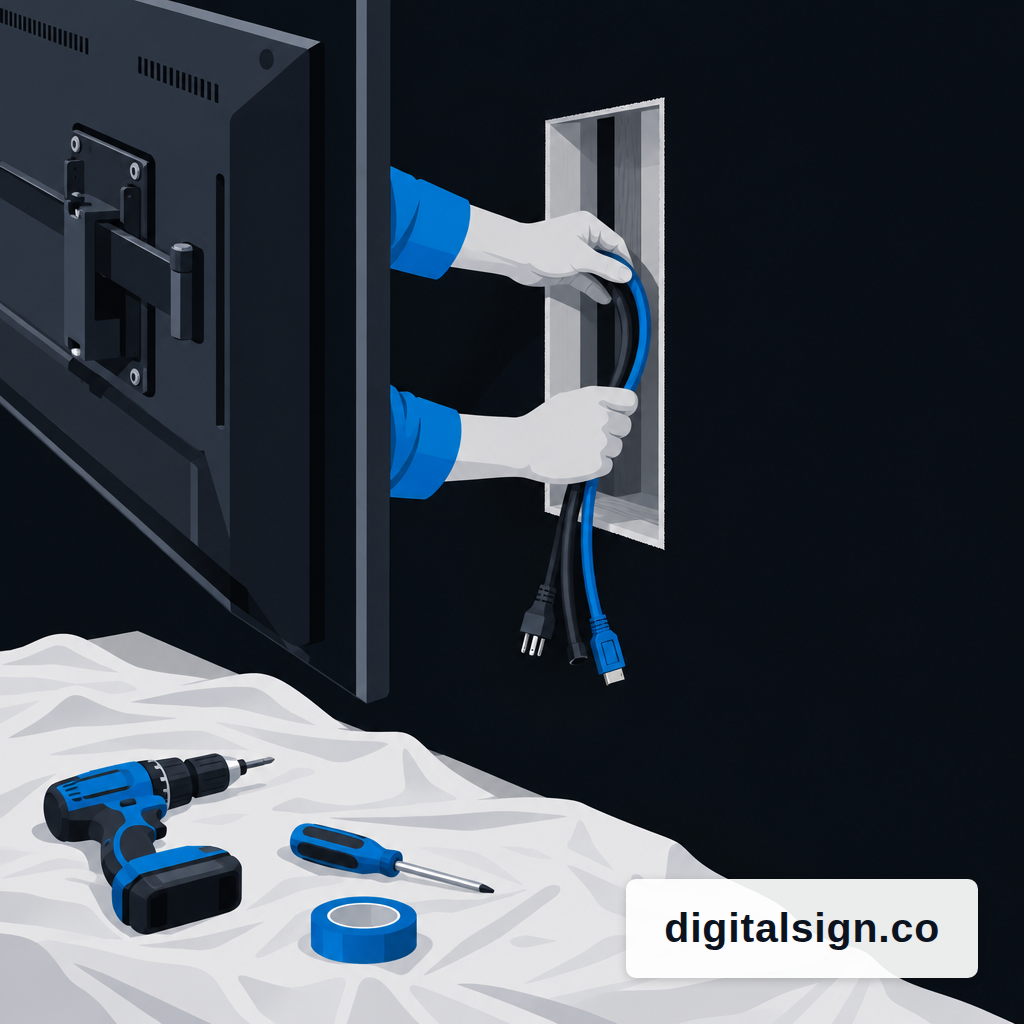
Behind every screen is a small box that actually plays the content, and the wall it hangs on needs power and data. These are the lines that quietly double a cafe's quote.
- Media player: $0 to about $300 per screen. A browser or PWA player on a Chromebox, mini PC, or Android TV stick covers most menu-board needs. Enterprise systems-on-chip inside the panel can remove this line entirely.
- Mount and cables: $75 to $250 per screen for a basic fixed wall mount, HDMI run, and power.
- Network drop: $300 to $1,500 per screen if the wall has no Ethernet. Wi-Fi behind a tiled kitchen wall is where most "it's offline again" tickets start.
- Installation: $100 to $600 per indoor screen, depending on ceiling height and whether anyone is cutting drywall.
Three screens over the counter is not three times a one-screen quote. A single install truck pulling one cable run and mounting three panels is where the per-screen number drops. If you can batch, batch.
Drive-Thru Is a Different Budget, Not a Bigger One
If you have a drive-thru, price it separately. Outdoor hardware is not an upgraded indoor screen; it is a different machine. Sealed outdoor displays cost $3,500 to $8,000, and structural mounting, weatherproofing, and electrical work add another $1,500 to $5,000. The spec sheet is why: drive-thru boards need 2,500 to 3,500 nits of brightness and an IP56 rating against dust and water jets, operate from -22°F to 122°F, and mount on engineered concrete-footed structures with trenched conduit for power and data.
Two useful rules. First, treat the drive-thru as its own project with its own permit, concrete, and electrician. Second, if the counter boards are going in this quarter and the drive-thru is going in next quarter, don't let a vendor roll them into a single number. The ratio of hardware to install flips completely between the two.
Software and Electricity Are the Year-Two Story
One-time costs stop. Monthly costs don't. Signage software is usually priced per screen per month, and the per-screen number multiplies fast across even a small chain. Published ranges sit between about $10 and $50 per screen per month for cloud signage software, with free single-screen tiers at the low end and feature-heavy enterprise plans at the top. DigitalSign sits inside that band and is free for the first three screens.
Electricity is small but real, and it is almost never on the quote. A 55-inch commercial display drawing about 130 watts and running 14 hours a day uses roughly 54.6 kWh a month, which is about $7.40 a month at the April 2026 U.S. average commercial rate of 13.51 cents per kWh reported by the EIA. Three boards over the counter plus a drive-thru screen is roughly $30 a month in power, before you count the drive-thru enclosure's heater and fan.
The bigger line is the one no one invoices you for: content work. If you redraw the lunch menu in a design tool every time pricing shifts, that is staff time. Dayparted scheduling, so a lunch board doesn't still show breakfast at 11:15, is the ops habit that makes the software line worth paying for. The planning side of that lives in our guide on dayparts for a menu board.
Self-Install, A/V Contractor, or Full-Service
There are three honest paths, and the right one depends on how many screens, how high, and how comfortable you are on a ladder with a stud finder.
Self-install. One or two screens at normal counter height, existing power behind the wall, basic fixed mount. Budget a Saturday morning and about $200 in mounts, cables, and a surge protector. The failure mode is a crooked panel or a visible cable, not a dead screen.
Local A/V or handyman. Three to six screens, cables through the wall, maybe a soffit. Expect $200 to $500 per screen in labor on top of hardware. The job is clean, you keep the vendor relationship, and nobody is reselling you software you don't need.
Full-service integrator. Drive-thru build, multiple sites, or a landlord who wants a permit. You are paying for project management, warranty handoff, and a single number to call when a board goes dark. The invoice reflects it.
A rough test: if the words "concrete," "permit," or "ceiling tile" show up anywhere in your plan, don't self-install. If none of them do, you probably can.
What a Realistic Year-One Budget Looks Like
Published 2026 figures put a three-screen restaurant setup at $4,500 to $12,000 in the first year. That is a useful band, but the shape of the spend matters more than the headline. Hardware is paid once and depreciates on a five-to-seven-year commercial panel. Software and power are forever. Content time is the one you can either staff or automate.
Three practical calls to make before you sign anything:
- Count the screens by job, not by wall. Over-counter menu, promo loop near the door, drive-thru preview. If one screen can do two jobs with scheduling, buy one screen.
- Match the tier to the hours. A 16/7 panel is fine for a lunch-and-dinner spot. A 24/7 panel is for the lobby that is also on at 2 a.m. Paying for 24/7 you don't use is a common overspend.
- Separate the drive-thru from everything else. It is a different warranty, a different installer, and a different permitting path.
The reason to go digital at all is still the one that always was. A four-year study of 237 in-store signage campaigns, using randomized A/B testing across 30 million receipts, found an average 8.1% sales lift on advertised products. That lift pays for the panel if the panel is actually showing the right thing at the right time. The budget decision and the content decision are the same decision, which is why the software and the dayparting are not the cheap part of the problem to solve. They are the point.
Price it in that order: hardware once, software and power monthly, content time weekly. If the quote in front of you doesn't separate those three, ask for one that does.
Eric Lamanna
Director of Business Development
Eric Lamanna is Director of Business Development at DigitalSign. He works with the people who have to live with their screens after the install is finished: the owners, marketing leads and operations managers deciding whether the USB stick and the spreadsheet of what plays where can survive another location. Most of his time goes on the unglamorous half of that problem: who is allowed to change a board, what happens to a screen when the Wi-Fi drops, and what running signage across many sites really costs once the site visits are counted honestly. He came to signage software through digital sales and product work, with a long-running interest in automation and security, the two places where a manual process quietly becomes a liability. He is a believer in workflows that hold up when somebody is out sick, which for a screen that has to be right every morning is most weeks. Eric holds a degree in multimedia design from Olympic College and lives in Denver, Colorado, with his wife and children.


