October 15, 2026
Best Free Digital Signage Software for Small Businesses
Compare the real tradeoffs of free digital signage software for small businesses, what the free tiers actually include, and when to pay for a screen.
By Timothy Carter

Most small operators searching for free digital signage software picture a complete tool with no asterisk attached: upload a few images, schedule them, hang a TV, done. In reality, almost every "free" plan on the market is a trimmed version of a paid product, kept useful enough to try and limited exactly where a real deployment starts to hurt. The question is not whether free exists. It is whether the specific limits on a given free plan line up with the specific screens you want to run.
This guide walks through what "free" actually means in signage, the four categories you will run into, the limits worth checking before you commit any content to a platform, and the point at which a $3 to $8 plan quietly pays for itself.
What "Free" Usually Means in Digital Signage
Free signage software falls into four shapes, and each breaks at a different point. A freemium plan from a paid vendor gives you one to a few screens with limits placed where growth hurts most. Open source is free to run but hands you the server. "Free trial" means full features for 14 to 90 days. And the hacks (YouTube on a Chromecast, a PowerPoint loop on a USB stick) are free because the vendor isn't involved at all.
The pattern across the paid-vendor free tiers is consistent. One industry roundup lists the current forever-free offers as Yodeck at one screen, OptiSigns at three, DigitalSignage.com at three, and PosterBooking at ten with a watermark. Another breakdown notes that OptiSigns free excludes scheduling, split-screen layouts and most TV-stick players, caps uploads at 25 MB per file, and shows a logo bottom-right. These are not accidents. They are the places vendors expect you to upgrade.
Small businesses are the fastest-growing slice of this market, so vendors design around them. Operators with under 50 employees now make up 23% of new digital signage buyers, up from 9% in 2020, and the free tiers you see today are tuned to that audience: usable for one location, awkward for three.
The Four Categories You Will Actually Encounter
Freemium tiers from paid cloud platforms. Yodeck, OptiSigns, DigitalSignage.com, PosterBooking, Fugo, XOGO, Play Digital Signage. Sign up with an email, add a screen, play content. The ceilings are low on purpose. One vendor states the Yodeck free plan runs five screens for 30 days then drops to one screen, and adding a second screen bills every screen you have. Read that sentence twice before you deploy anything you'd miss.
Open source you self-host. Xibo and Anthias are the two serious options. The Xibo CMS core is AGPLv3 with no screen limit when you host it yourself, and the Windows and Linux players are free. The catch is operational: the Android, webOS, Tizen and ChromeOS players are paid licenses from roughly £20 to £60 each, and you own the Docker server at two in the morning when it stops responding. If you don't have someone on the team who likes that sentence, open source is not free in the way you need it to be.
YouTube, Chromecast and smart-TV hacks. A looping YouTube playlist cast to a TV is genuinely free. It also has no schedule, no offline fallback when the Wi-Fi hiccups, no way to swap the lunch board at 11:00 without someone standing at the TV, and the YouTube UI occasionally flashes on screen. Fine for a staff break room. Not fine for a customer-facing menu.
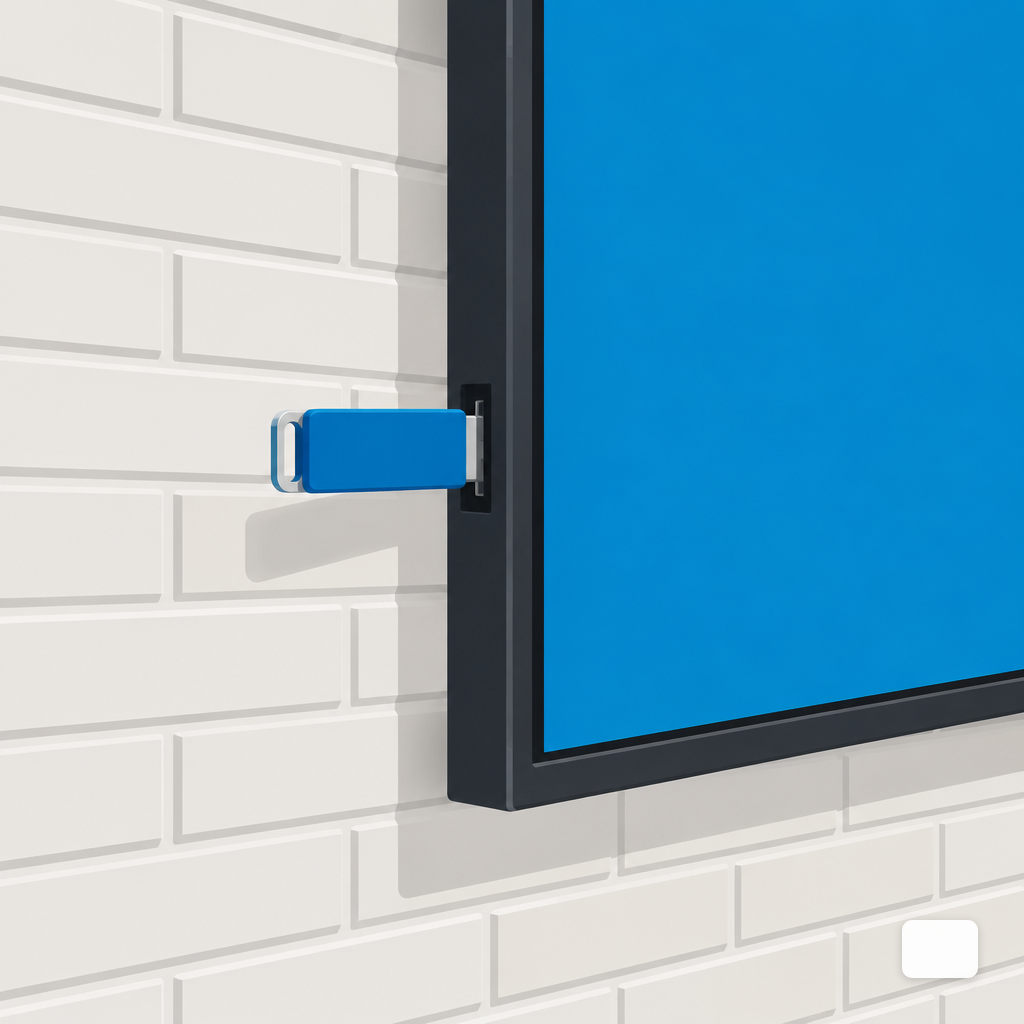
PowerPoint or Google Slides on a USB stick. Build the deck, export as video or set to auto-loop, plug into a smart TV's USB input. Zero software cost. Updates require walking to the TV with the stick. For a single notice board that changes monthly, that math works.
The Honest Limits Worth Checking Before You Commit
Free plans are rarely bad. They are specific. The limits that matter in practice:
- Screen count. Usually one to three. Adding one more screen often moves you to a paid plan for all of them, not just the new one.
- Watermarks. A vendor logo in the corner is tolerable in a back office and a problem on a menu board. One roundup notes that most free plans cap you at 1 to 3 screens and display the vendor watermark on every display.
- File size and storage. 25 MB per file sounds generous until you try to upload a 1080p promo video.
- Scheduling. Many free tiers let you build a playlist but not a schedule, which means your 11:15 lunch board is a manual job every day.
- Offline playback. If the free tier streams from the cloud with no local cache, a dropped Wi-Fi signal is a blank screen in front of customers.
- Supported players. Free plans often exclude Fire TV, Roku, smart-TV OSes and sometimes Chromebooks. Check which stick you own before you commit.
- Resolution and multi-zone. Some free tiers downscale output or disable layouts with more than one content region.
- Support. Community forum, if anything. If a screen goes dark during a lunch rush, you are on your own.
Uptime is the quiet one. Across the industry, the median screen holds 99.31% uptime over 12 months, which is roughly 60 hours of darkness a year. On a free plan with no alerting, you find out about those hours from a customer.
When Free Is Enough, and When It Is Not
Free is the right answer more often than vendors admit. One screen in a staff room, a church foyer board changed weekly, a lobby welcome screen that lists today's visitors, a gym's class schedule on a TV nobody reads during a workout. If the content is low-stakes and someone has fifteen minutes a week to touch it, pay for nothing.
The math shifts fast when the screen is in front of a paying customer. A customer-facing menu that still shows breakfast at 11:15 costs more in one lunch rush than a year of a paid plan. A promo that ended last Friday and is still playing on Tuesday makes the whole brand look sloppy. If you are weighing the trade-offs for a QSR counter or drive-thru, the menu board scheduling piece walks through where free scheduling breaks down.
Three honest signals that you've outgrown free:
- You've added a second or third screen and the free plan jumps straight to paid for all of them.
- You're editing content on a schedule and the free tier only supports a single playlist.
- The screen is customer-facing and a watermark, or 30 seconds of a blank display during a Wi-Fi blip, costs more than $3 to $8 a month.
Running cost usually isn't the deciding factor either way. A typical 55-inch commercial display draws about 100 to 180 watts and costs roughly $62 to $112 a year to run 12 hours a day. The software bill at $3 to $8 per screen per month sits in the same range. The real cost is the time you spend on free workarounds.
A Shortlist Framework Rather Than a Ranked List
Any ranking goes stale within a quarter as free tiers tighten or expand. A framework ages better. Score each option you shortlist on these six factors before you upload a single file:
- Will the free ceiling fit the next 12 months? Not today. A year from now, with the screens you actually expect to add.
- Does it work on hardware you already own? Android TV, Fire TV, a mini PC, a Raspberry Pi, a browser on a smart TV. The stick-versus-mini-PC piece covers the practical trade-offs.
- Does it keep playing when the internet drops? Local cache or local playlist, not pure streaming.
- Can a non-designer update it in five minutes? The person who actually changes content is rarely the person who signed up.
- Is there a graceful upgrade path? If free works for six months and then doesn't, what's the first paid tier and does it include scheduling, more screens, and watermark removal in one jump?
- Can you leave with your content? Export, re-upload, done — not rebuild from scratch.
Open source rates well on items 3, 5 and 6 but demands IT time on items 2 and 4. Freemium rates well on 2 and 4 and poorly on 1 and 5. A paid plan at the $3 to $8 range usually rates well everywhere except price, and if the alternative is 22% of new businesses closing in their first year, every hour you save matters more than $8.
Before you commit to any platform, free or paid, the vendor questions checklist covers the contract-level questions worth asking in writing.
Where DigitalSign Fits in This Picture
DigitalSign is in the freemium category: the first three screens are free, then $3, $5 or $8 per screen per month depending on how much AI help you want with design, with Enterprise priced on request. The free tier is designed to be the plan a small operator actually keeps, not a 14-day door that slams. Describe a screen in plain English, the AI Designer returns three editable on-brand drafts, the scheduler plays them by daypart, and the browser/PWA player (plus Android and Google TV) keeps playing from a local cache when the Wi-Fi drops. More on the approach on the AI signage page, or the small business overview if you want the use cases laid out.
Free digital signage software is a real option for a real set of situations. Just pick it the way you'd pick a free bank account: read the limits, not the headline. The platforms that put the watermark in the corner, cap you at one screen, or disable scheduling are telling you exactly where they expect the free plan to stop working. That's useful information. It just isn't the same as "free".
Timothy Carter
Chief Revenue Officer
Timothy Carter is a digital marketing industry veteran and the Chief Revenue Officer at DigitalSign. With a career spanning over two decades in the dynamic realms of SEO and digital marketing, Tim is a driving force behind revenue strategy. With a flair for the written word, Tim has graced the pages of renowned publications such as Forbes, Entrepreneur, Marketing Land, Search Engine Journal, and ReadWrite, among others. At DigitalSign he writes about the commercial side of the screens a business already owns: what a menu board is worth when it changes with the daypart, what a promo that kept running a week past its end date really costs, and why the signage budget an owner argues about is usually a content problem rather than a hardware one. Beyond his professional pursuits, Tim finds solace in the simple pleasures of life, whether it's mastering the art of disc golf, pounding the pavement on his morning run, or basking in the sun-kissed shores of Hawaii with his beloved wife and family.


