October 8, 2026
Dayparting Best Practices for Digital Signage
Practical dayparting rules for digital signage: how to split the day, handle transitions, plan weekends, and keep screens relevant across every location.
By Timothy Carter

Most screens do not look stale because the designs are bad. They look stale because the schedule is wrong. The breakfast board is still playing at 11:15. The happy hour promo kicks in at 5:03, two minutes after the first table has already ordered. A locations screen in Phoenix is running on Dallas time twice a year, every year.
Dayparting is the fix, and it is the single biggest reason some screens feel current while others feel abandoned. The existing walkthrough on dayparts for a menu board covers the setup click by click. This piece zooms out. How long should a daypart actually run? How do you handle the two-minute window where lunch is loading and breakfast is still on screen? When does a weekend override earn its keep, and when is it just noise? The principles below apply whether you run a QSR, a lobby, a gym, a sanctuary or forty of each.
Why Time of Day Decides What a Screen Is Worth
Dayparting exists because demand is lumpy. In U.S. restaurants, Datassential's sales split puts lunch at roughly 38% of the day, dinner at 27%, breakfast at 20%, and the three snack and late-night windows splitting the remaining 15%. A menu board that treats every hour equally is wasting its most valuable surface during its most valuable hour.
The pattern is sharper in coffee. The 7 to 9 a.m. morning rush delivers about 35% of a coffee shop's daily sales, which means a stale loop from 7:15 to 8:45 is not a small miss. It is the shift. On the alcohol side, Nielsen CGA found that 60.5% of weekly on-premise alcohol sales happen in the 5 to 8 p.m. window, with happy hour checks running about $8 higher than other dayparts.
Retail follows a quieter version of the same curve. A field study published in Humanities and Social Sciences Communications, built on 21,280 offline purchase records, found that consumer price sensitivity drops by roughly 0.5% per hour as the day progresses. Discount messaging works harder in the morning. Premium and bundle messaging works harder after 4 p.m.
The waterfall below is what happens to a hypothetical $10,000 lunch day at a QSR when each piece of the schedule either lands or doesn't. The point is not the exact dollars. It is that most of what you leave on the floor, you leave by missing timing.
How Long a Daypart Should Actually Run
The common mistake is slicing the day too finely. Six dayparts on a 12-hour menu board means a new loop every two hours, which sounds thorough and reads chaotic. Dayparts should match a real behavior change, not the clock.
Useful anchors from the field:
- QSR and fast casual: three to four dayparts is almost always enough. Breakfast, lunch, a quiet mid-afternoon, dinner. Add late night only if you actually trade late night.
- Coffee: two dayparts does the job. Morning rush until about 10 a.m., then an all-day loop that leans on food, loyalty and afternoon drinks.
- Retail: two to three. A morning value loop, a midday browse loop, an evening premium loop. Weekend is a separate schedule, not a fourth daypart.
- Offices and lobbies: three. Arrival (first 90 minutes), core day, wind-down (last 60 minutes). Overnight runs a quiet brand loop or goes dark.
- Gyms: two peaks, two troughs. The 5 to 9 a.m. and 5 to 8 p.m. peaks carry class promotions and crowded-room etiquette; the midday and late-evening troughs run personal training and recovery content.
- Healthcare waiting rooms: rotate by content age, not time of day. One educational loop for the morning, a different one for the afternoon, so a patient waiting 90 minutes does not see the same five slides four times.
- Churches: the week has one real daypart (Sunday morning) and a weekday maintenance loop. Multi-service campuses may want a pre-service, in-service and between-service segment on Sundays themselves.
- Hotels: four. Check-out morning (breakfast, late check-out), midday (local activities), check-in evening (restaurant, bar, spa), overnight (quiet brand).
If a daypart is shorter than 45 minutes, ask what it is really doing. A viewer in a QSR gives a screen between 1.5 and 4.6 seconds of focused attention, and Quividi has measured retail dwell as low as 0.7 to 0.9 seconds. A 20-minute daypart that most people will never see once is a scheduling artifact, not a strategy.
Transition Buffers Are Where Schedules Die
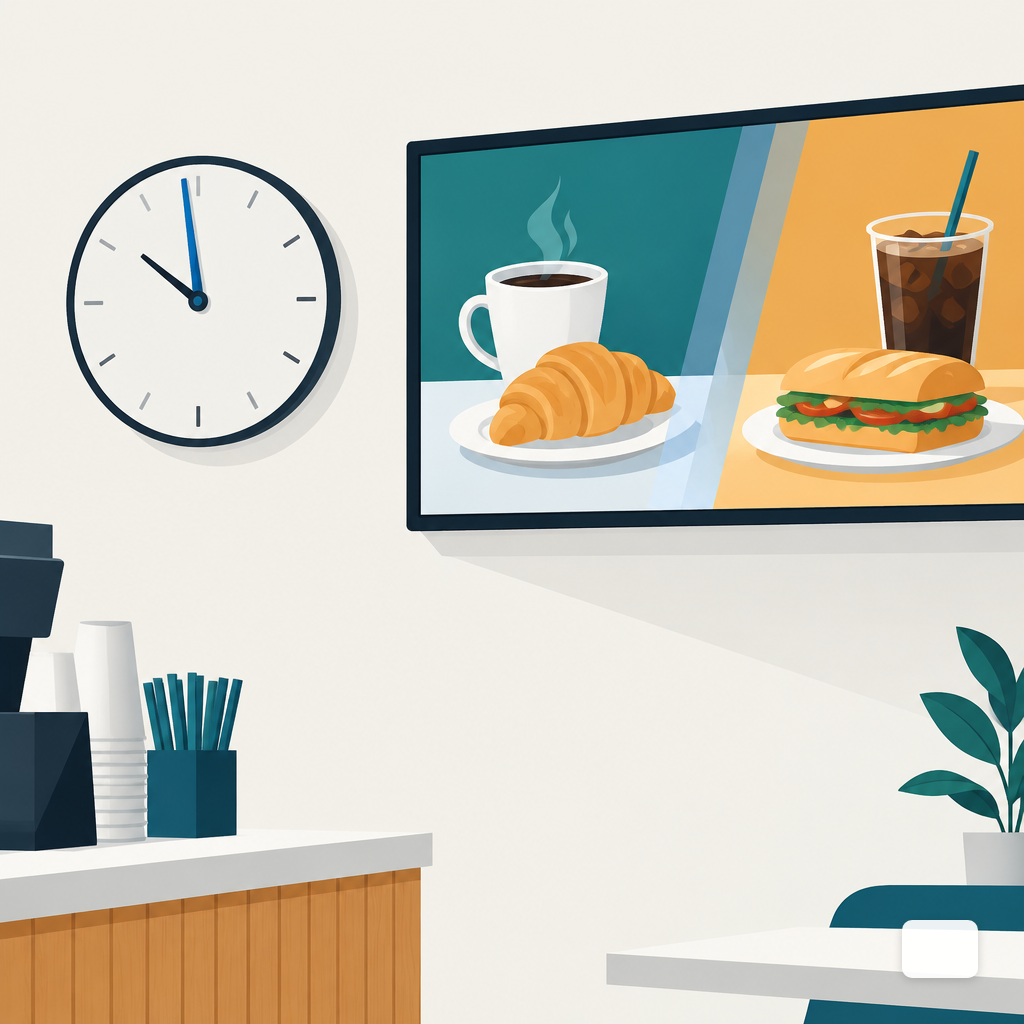
Most dayparting software lets you pick a cutover time. Lunch at 10:30. Dinner at 16:00. The problem is that a playlist in progress does not stop politely. If a 90-second breakfast promo starts at 10:29:40, the lunch menu loads at 10:31:10. That minute and a half is the one your most time-sensitive customer sees.
Three habits fix most of it:
- Build a 10 to 15 minute transition daypart. From 10:20 to 10:35, run a short loop with items that sell in both windows (coffee, sides, loyalty). Breakfast ends clean at 10:20, lunch starts clean at 10:35, and nobody sees pancakes at 10:34.
- Keep individual spots short at the edges. The last 15 minutes of a daypart should play 8 to 15 second spots, not 60 second ones. Shorter spots mean the next daypart loads closer to the time you actually scheduled.
- Pre-cache the next daypart. This is a player question, not a scheduling one. A player that pulls content on demand will stutter at the switch. A player with a local cache swaps instantly, which is one of the practical reasons to prefer a cached player on anything revenue-facing.
Audit the handoffs quarterly by standing in front of the screen at the cutover minute. Not watching a preview. Standing there, in the room, at 10:30.
Weekend and Holiday Overrides Without the Mess
The usual mistake is treating Saturday as "the normal schedule plus a weekend layer." Within a few months you have a weekday schedule, a Saturday schedule, a Sunday schedule, a holiday override, a seasonal override and a one-off override from a promo that ended in April. Nobody remembers which one is winning at any given hour.
A cleaner model has three tiers, in strict priority order:
- Base schedule. The default week. Covers 85% of the year.
- Recurring overrides. Saturday brunch, Sunday service, Friday happy hour extension. Date-bound to days of week, not individual dates.
- Dated overrides. Thanksgiving hours, Black Friday promo, Christmas Eve service times. Each has a hard start and end date, after which it disappears automatically.
The donut below is roughly how a well-run signage calendar divides across those tiers over a year. Most operators we talk with are shocked at how small the override slice actually is once they clean up.
The behavior shift is also real. An eight-month analysis of consumer purchases found 32.6% more purchases on Mondays than Sundays, with clear morning and early-afternoon peaks. Your weekend content is talking to a different mood, not just a different clock.
Timezone Traps for Multi-Location
Multi-location signage scheduling fails in three predictable ways, and each one has a known fix.
The admin's timezone wins when it shouldn't. You build the schedule in New York, deploy it to Phoenix, and lunch now starts at 1:30 p.m. local. The fix is to schedule in each screen's local time by default, with a global option for the few cases (a live event, a product launch) where you really do want every screen to switch at the same wall-clock second.
Daylight saving changes catch you twice a year. Phoenix does not observe DST. Most of Arizona doesn't. Hawaii doesn't. A multi-state network that assumes a single UTC offset per state will drift for weeks every spring and fall. Store schedules against named timezones (America/Phoenix, not UTC-7) so the rules move with the location.
The 24-hour player. Hotels, hospitals, dispatch centers, some QSRs. If a daypart ends at midnight and the next starts at 00:00:01, that one-second gap can blank the screen on some players. Overlap them deliberately or chain them in the same playlist. Related reading on cache and connectivity behavior lives in the piece on cloud signage versus a media player box.
Auditing Whether the Schedule Is Actually Working
A schedule you set once and never check is a schedule that drifts. The audit does not need to be elaborate. Four moves cover most of it.
First, walk the floor at daypart boundaries for one week. The lunch cutover, the dinner cutover, the end-of-day blank. You will catch more problems in five days of walking than in five months of dashboards.
Second, keep a kill list. Every content item has an expiry date in its own metadata. If a seasonal promo has no end date, it will outlive the season by months. Make "end date required" a rule when the content goes in, not a cleanup task later.
Third, review your content calendar monthly, not quarterly. Thirty days is short enough that the operator still remembers why each item is on screen. Ninety days is long enough that nobody does.
Fourth, measure the right proxy. Proof-of-play analytics are on the DigitalSign roadmap and not available today, so for now the honest proxies are sales mix during each daypart, staff feedback on which promos customers mention, and whether the screen actually matched the clock the last three times you walked past it.
The area chart below shows a stylized week of e-commerce order volume from a 1.1 million order analysis, where 36% of daily transactions fall between 11 a.m. and 3 p.m. On-premise rhythms differ, but the shape is a useful reference for office lobbies, co-working spaces and any screen whose audience overlaps with online shoppers at lunch.
Where the Software Has to Help
A dayparting plan survives contact with reality only if the tool matches the plan. The questions worth asking a vendor are not about feature counts. They are about what happens at 10:30 on a Tuesday. Does the schedule respect each screen's local timezone by default. Does the player cache the next daypart or pull it live. What happens on the override of an override. The longer list sits in the piece on questions to ask a signage vendor, and the AI-first approach to building the actual designs that fill each daypart is covered on the AI signage page.
A thoughtful schedule is not a one-time setup. It is a monthly rhythm: a short audit, a tightened cutover, an expired item removed, a new daypart earning its place or getting cut. The screens that feel current are not the ones with the most content. They are the ones where the content on screen matches the moment the viewer is in.
Timothy Carter
Chief Revenue Officer
Timothy Carter is a digital marketing industry veteran and the Chief Revenue Officer at DigitalSign. With a career spanning over two decades in the dynamic realms of SEO and digital marketing, Tim is a driving force behind revenue strategy. With a flair for the written word, Tim has graced the pages of renowned publications such as Forbes, Entrepreneur, Marketing Land, Search Engine Journal, and ReadWrite, among others. At DigitalSign he writes about the commercial side of the screens a business already owns: what a menu board is worth when it changes with the daypart, what a promo that kept running a week past its end date really costs, and why the signage budget an owner argues about is usually a content problem rather than a hardware one. Beyond his professional pursuits, Tim finds solace in the simple pleasures of life, whether it's mastering the art of disc golf, pounding the pavement on his morning run, or basking in the sun-kissed shores of Hawaii with his beloved wife and family.


