October 3, 2026
Cloud Signage vs a Media Player Box for Small Multi-Site Operators
Compare browser-based cloud signage with dedicated media player boxes on cost, reliability and setup time, so you can pick the right approach for your screens.
By Timothy Carter

Most buying guides for digital signage hardware are written for either a single-screen coffee shop or a 2,000-store chain. If you run between three and twenty screens across a handful of locations, you sit in the awkward middle, and the hardware decision you make now sets the ceiling on how fast you can roll out, how often you drive to a site, and how much you spend before you have shown a single promotion.
The question underneath every quote and every spec sheet is the same. Do you buy dedicated media player boxes for each screen, or do you run signage from a browser, a PWA, or an Android TV stick plugged into the back of the display? There is a defensible case for each. The point of this piece is to make the trade-off legible before you place an order you have to live with for four years.
What Each Side Actually Means
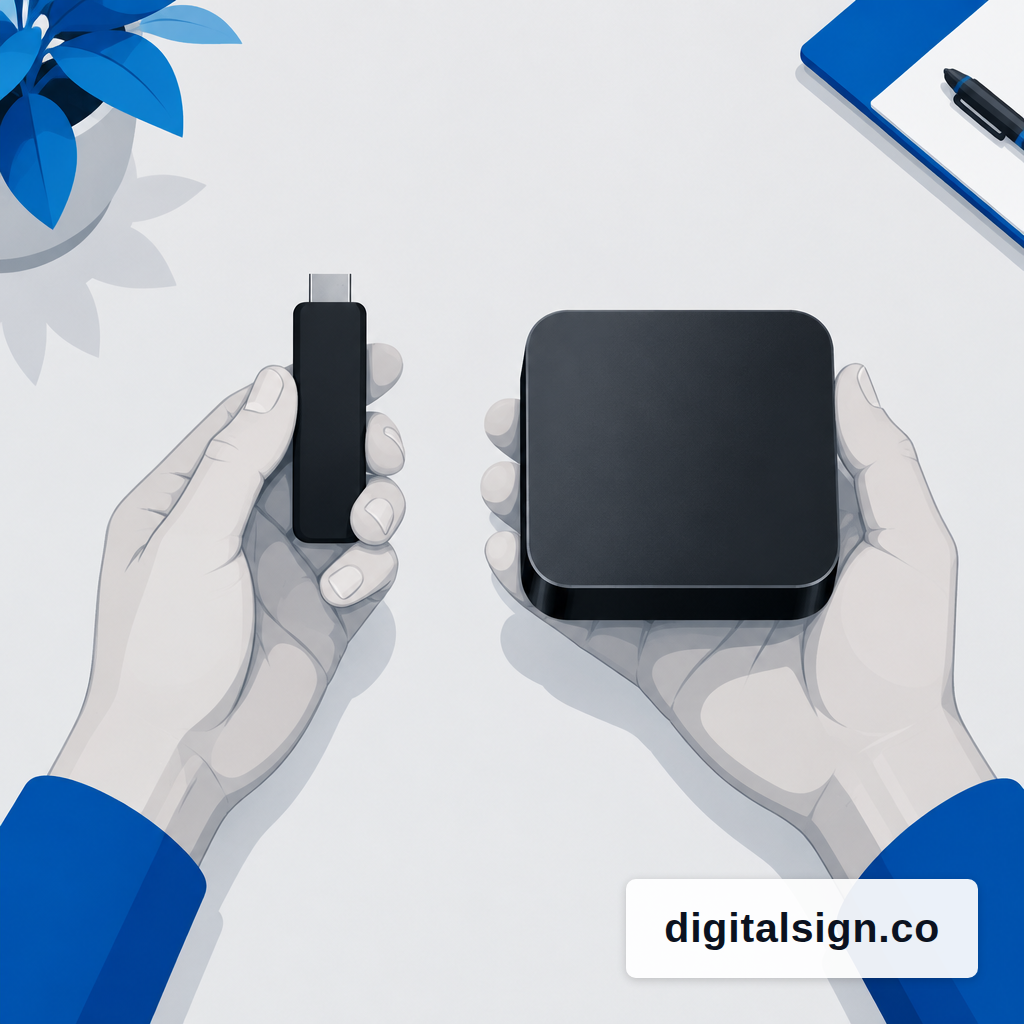
A dedicated media player is a small appliance that does one job: play signage. BrightSign is the reference brand, with entry 1080p units around $380 to $524 and 4K and multi-headed models from $600 to $1,700. Mini PCs and Windows NUCs sit in the same bracket. These boxes run a locked-down OS, carry a real-time clock, and are built for 24/7 duty.
Browser-based digital signage is the opposite architecture. The player is a web app running in Chrome, a PWA, or an Android TV app on something cheap. An Amazon Fire TV Stick 4K Max runs $35 to $60, with Chromecast with Google TV and Xiaomi sticks in the same range. The content lives in the cloud, caches locally, and plays through a browser engine on whatever device you plug in. Smart TVs with Tizen or webOS can also act as the player, though you still need signage software that supports them.
The distinction most operators miss: it is less about hardware brand and more about where the scheduler lives. On an appliance, the scheduler often lives on the device. On a browser-based system, the scheduler lives in the cloud and the player follows it, with a local cache so the screen keeps running if the Wi-Fi drops.
The Multi-Site Money Math Is Not Close
Pretend you are opening a tenth location and standardizing on three screens per site: a menu board, a promo screen, and a back-of-house board. Thirty screens total. At the low end of appliance pricing, you are at roughly $11,000 to $15,000 in player hardware before you buy a single display or mount. The University of Michigan's internal signage team, which has no vendor incentive, budgets $1,800 to $3,400 per standard display including the screen, media player and mount, and plans a refresh every four years. That is a useful floor.
The same thirty screens on Android sticks run roughly $1,000 to $1,800 in player hardware. The gap is not marginal. It is the difference between a hardware line that competes with the display budget and one that looks like a rounding error. The counter-argument is lifespan, and it is worth taking seriously: digital signage media players are generally designed to last three to five years, after which they may struggle to run newer software, with manufacturers recommending an upgrade. Sticks tend to churn faster. If you replace a $45 stick every two years instead of a $500 appliance every four, you are still well ahead on hardware.
Software costs flip the picture back. Dedicated players sometimes ship with lifetime free CMS from a sister brand; most browser-based platforms charge a monthly fee per screen. Over four years, a $5-per-screen monthly plan adds $240 per screen, which starts to narrow the gap. Still narrower than most quote sheets suggest, but worth modeling before you commit. The full picture for a single screen is laid out in year one menu board costs.
Offline Behavior Is the Real Test
Every signage vendor says they work offline. Very few mean the same thing. True offline-capable signage requires a full local content cache, a local scheduler, and independent boot, so the player starts and runs with zero connectivity. If any of those three is missing, the first time your ISP has a bad morning you learn about it from a customer.
Appliances usually get this right because they were designed for it. Android sticks and browser-based players can get it right too, but you have to check. The questions to ask a sales rep: does the player keep an RTC-backed clock when power cycles? Does the scheduled playlist survive a 24-hour outage? Does the device boot straight into the signage app without touching the network? If the answer to any of those is "it will reconnect in a few minutes," that is not offline, that is reconnection.
Why bother? Because the cost of a dark screen is wildly nonlinear. For large retailers, connectivity outages can cost an average of $5 million per hour. You are not that retailer. But the drive-thru menu board going blank at 7:30 a.m. on a Friday is still your worst morning of the quarter, and it has nothing to do with the player and everything to do with whether the system was architected to assume the network.
The Rollout Mechanics Favor Lighter Hardware
At three screens, you can hand-provision anything. At twenty, how you unbox and ship starts to matter. Appliances typically ship to a central office, get flashed with firmware and credentials, then ship on to the location. That is a real workflow with real cost: receiving, imaging, repackaging, and a second freight leg.
Browser-based players collapse several of those stages. The device at the site is generic. A manager scans a pairing code on the screen, the player registers to the account, and the right content pulls down. Nothing is pre-flashed because there is nothing to flash. That matters more when you add your eleventh location than when you set up your third.
The specific stages that get cheaper: no central staging warehouse, no imaging labor, no RMA pipeline for devices lost in transit, and dramatically faster swap-outs when something fails. A $45 stick is a Prime order away. A $700 appliance with a two-week lead time is a planning problem.
Where Appliances Still Win
Three honest scenarios still favor dedicated hardware. First, video walls and synchronized multi-display content. Browser engines are getting better at frame-synced playback, but if you need four 4K panels showing a single stitched image, an appliance built for it is still the safer buy. Second, environments with punishing heat, dust, or 24/7 duty. A fanless appliance rated for continuous operation holds up where a consumer stick cooks itself in a south-facing window. Third, interactive kiosks with specialized peripherals, where the appliance's GPIO ports and locked OS are the point.
If none of those describe your sites, the appliance premium is buying you reliability margin you may not need. The medium business segment is the fastest-growing part of the signage market at a 10% CAGR, driven by mid-sized operators with multiple stores adopting centralized cloud CMS platforms. That is not an accident. It reflects what the math says when you run it for ten or fifteen screens instead of 500.
A Decision Rule That Holds Up
If you run three to twenty screens across a few sites, and your content is menus, promos, waitlists, event boards, and the occasional short video, start with browser-based or Android TV signage. The hardware is a tenth of the cost, the rollout is faster, and the failure mode is a $45 reorder rather than a $600 RMA. Reserve appliances for the specific screens where the physics or the environment demands them.
Whatever you choose, make the vendor prove three things on a loaner before you buy at scale: the player boots and plays with the Ethernet unplugged, the scheduled playlist advances on its own without a server round-trip, and the content you push updates on every screen without someone opening a browser. Those are the only three questions that matter in week one of a rollout, and they are the three that get glossed over in every demo.
A browser-first architecture is the model behind DigitalSign: describe a screen, the AI returns three on-brand designs, and a browser or PWA player keeps them playing offline from a local cache. If you are weighing a hardware order right now, it is worth reading how dayparts work on a menu board and how to switch vendors without breaking screens before you commit the budget, because the architecture you choose constrains both.
Timothy Carter
Chief Revenue Officer
Timothy Carter is a digital marketing industry veteran and the Chief Revenue Officer at DigitalSign. With a career spanning over two decades in the dynamic realms of SEO and digital marketing, Tim is a driving force behind revenue strategy. With a flair for the written word, Tim has graced the pages of renowned publications such as Forbes, Entrepreneur, Marketing Land, Search Engine Journal, and ReadWrite, among others. At DigitalSign he writes about the commercial side of the screens a business already owns: what a menu board is worth when it changes with the daypart, what a promo that kept running a week past its end date really costs, and why the signage budget an owner argues about is usually a content problem rather than a hardware one. Beyond his professional pursuits, Tim finds solace in the simple pleasures of life, whether it's mastering the art of disc golf, pounding the pavement on his morning run, or basking in the sun-kissed shores of Hawaii with his beloved wife and family.


