October 2, 2026
How to Switch Digital Signage Vendors Without Breaking Your Screens
A step by step plan for moving off your current digital signage vendor without dark screens, lost schedules, or a week of weekend work.
By Samuel Edwards

You already know the signs. The lunch board still showing breakfast at 11:15. A promo that ended last week looping on the window screen. A support ticket that sits for four days before anyone replies. At some point the question stops being "can we fix this" and becomes "how do we leave without the screens going dark in the middle of a Saturday rush."
Switching is almost always less painful than operators fear, and almost always more work than vendors admit. The projects that drag on are the ones that treat it as a software swap when it is really three things at once: a contract exit, a hardware audit, and a content rebuild. Handle them in the right order and a pilot can go up on a few screens next week.
So where does the time actually go, and what breaks when it goes wrong?
Read Your Current Contract Before You Shop
The exit terms matter more than the sales pitch of whoever you move to. Pull the signed agreement and look for four things: the notice period, the auto-renewal date, any early-termination fee, and what happens to your content and reporting history after cancellation. Notice windows of 30 to 90 days are common in SaaS contracts, and some vendors delete records shortly after export, so the window to pull your assets is not open forever.
Switching costs are not only the invoice. One analysis of SaaS lock-in puts the effective exit tax at 150 to 200% of the annual contract value once data migration, retraining and lost productivity are counted. You will not avoid that entirely, but you can shrink it by starting the clock the day you decide to move, not the day the new platform is live. Send a written request for a full export of media, playlists, schedules and any proof-of-play logs. If the vendor stalls or will only give you flattened PDFs of layouts, that answer is itself the evidence you needed.
Vendor instability is a legitimate reason to move faster than your renewal date suggests. The shutdown of X2O earlier in the decade left customers scrambling, and Poppulo's write-up on what X2O's closure meant for the market is a useful reference if your current provider has gone quiet on roadmap updates or has been acquired and deprioritized.
Audit the Hardware You Already Own
Most migrations do not need new screens. Poppulo's migration guide notes that organizations can usually keep existing displays and players if they are compatible with the new platform, and reports that ADNEC completed a full switchover within 24 hours while keeping daily operations and reusing its displays. That is the realistic ceiling, not the floor, but it tells you the hardware question is answerable.
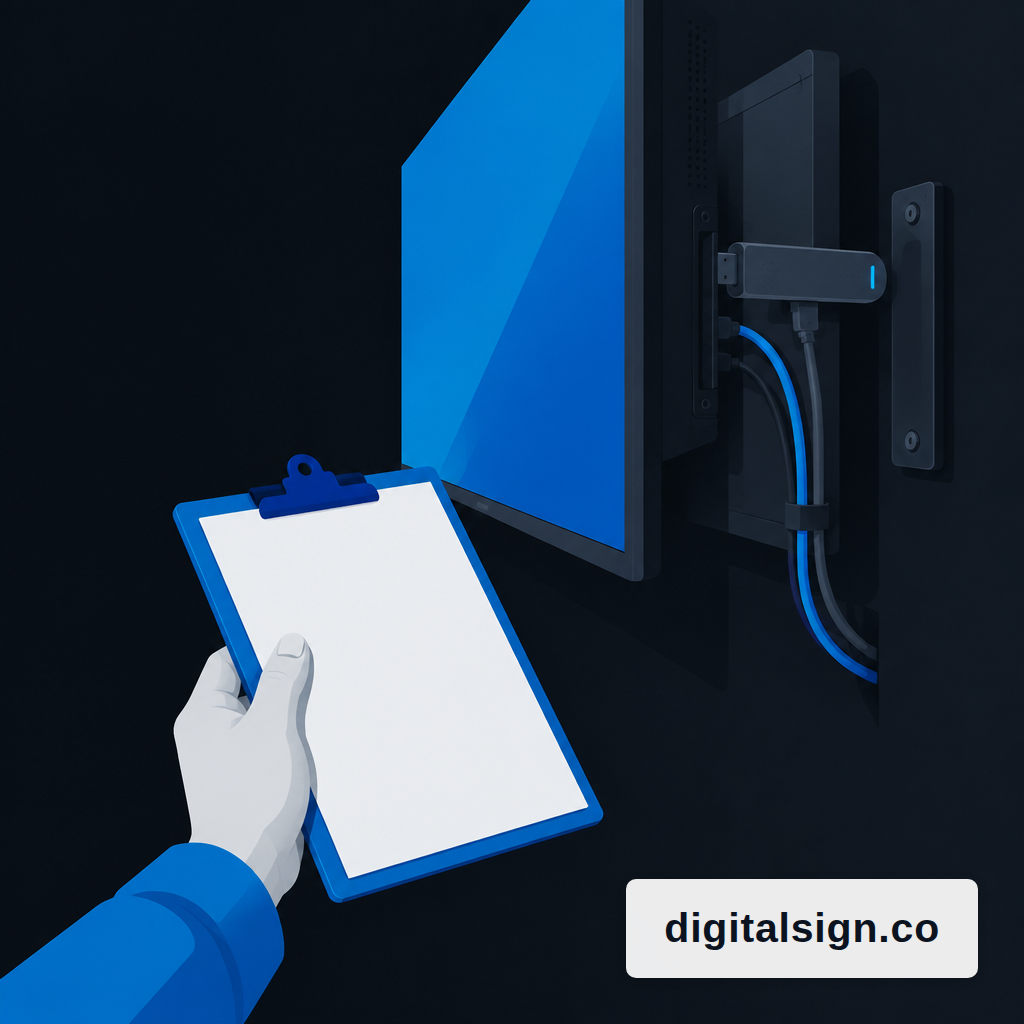
Walk every site with a clipboard. For each screen, write down the make and model, the current player (built-in SoC, an Android stick, a mini PC), the input (HDMI, usually), the orientation, and whether it has reliable network. A few patterns to look for:
- Samsung and LG commercial panels. If you have Samsung displays running SSSP 4 or higher, or LG panels on webOS Signage 3.0 or newer, they support SoC playback and can host a new CMS app directly on the panel without a separate player.
- Android boxes and sticks. These usually come back on a new platform cleanly, as long as they were not shipped locked to the old vendor.
- Consumer TVs with a stick behind them. Fine for most waiting-room and office use. If the stick is flaky, that is a cheap thing to replace independent of the CMS decision.
The one place to be careful is Android devices provisioned as Device Owner. In that mode the signage app is locked into kiosk mode, cannot be uninstalled without specific permissions, and no second app can claim Device Owner status, which creates a real barrier to remote migration. For a handful of screens this means a site visit with a factory reset. For a 400-location chain it means a conversation with your integrator before you sign anything.
Rebuild Content, Do Not Try to Port It
This is the step where projects stall. Most commercial signage platforms encode their own playlist formats, scheduling rules and player protocols, so content libraries, campaign logic and reporting history do not map cleanly onto a competitor's schema. A promo set that works perfectly in one CMS lands in the next one as a pile of disconnected images.
Treat the migration as a cleanup, not a copy. Export your source files (images, videos, logos, fonts) and your current schedule as a spreadsheet. Then ask the harder question: what actually belongs on the screen now? Most networks carry a surprising amount of content that was built for a campaign that ended months ago. Pull that out first and the rebuild shrinks by half.
For the designs themselves, an AI-first approach shortens this considerably. On DigitalSign, you can describe a screen in plain language ("lunch menu, three columns, soup of the day on the left, our logo top right in brand green") and the AI Designer returns three editable on-brand options to pick from. That is the difference between recreating 40 layouts by hand and reviewing 40 drafts. HTML5 is the practical common ground for creative, since the IAB established it as the industry standard and the browser does the rendering, so the same creative runs across screens, desktops and tablets without re-authoring.
Stage the Cutover, Do Not Flip a Switch
A clean cutover runs two platforms in parallel for a short, defined window. The old one keeps playing your production content. The new one goes live on a small, non-critical set of screens, usually three to five, where a visible mistake would not cost you a sale. Waiting-room displays, a back-of-house board, a single store location. You want enough screens to catch real problems and few enough that you can watch all of them.
The pilot has a job: prove the player stays on through a power cut and a Wi-Fi drop, confirm schedules fire at the right times, and give the person who will own content day-to-day a week to actually use the editor. If any of those three fail, you have learned something cheap. If all three pass, roll the next tranche of screens on a published date and keep the old contract running until you have a full week of parallel playback with no incidents.
Two failure modes make cutovers drag. The first is skipping the audit because "it is just software" and discovering mid-rollout that a quarter of your screens are locked to the old vendor's provisioning. The second is trying to port every slide forward, which pushes the content team past burnout before the pilot is even scheduled.
What a Pilot on DigitalSign Looks Like
The first three screens are free, which exists specifically so a pilot does not need a procurement conversation. A reasonable sequence: connect three screens using whatever hardware you already have (a browser or PWA player works on most devices, with Android and Google TV builds for panels and sticks), rebuild the two or three layouts that matter most using the AI Designer, set a daypart schedule, and let it run for a week against your current platform. If you want to think through the schedule itself before you start, the piece on planning dayparts is a reasonable starting point, and the breakdown of year-one menu board cost covers the money side.
Offline cache matters here. Each player keeps a local copy of its schedule, so a dropped connection means the screen keeps playing yesterday's content rather than going to a blue error page. That is the single feature most operators discover they wanted only after their old system failed in front of a lunch crowd.
A migration is not a project you finish. It is a cost you pay once and then try not to pay again. The way to not pay it again is to choose a platform whose exit is as clean as its entrance, keep your source files in formats you own, and treat the first three screens as the honest test of whether the next three hundred will be worth the trouble.
Samuel Edwards
Chief Marketing Officer
Samuel Edwards is Chief Marketing Officer at DigitalSign. He has spent 15+ years in technical SEO, content strategy and demand generation, running paid and organic operations for organisations ranging from venture-backed startups to Fortune 500 companies, and has spoken at the Search Marketing Expo series and on the TEDx stage. At DigitalSign he writes about screen content as a piece of marketing that people read from across a room: how long someone actually looks at a board, why five words beat fifteen, and how a business keeps its in-store messaging as current as its website without handing the job to a designer every week.


