October 23, 2026
Embedded vs Plug-and-Play Digital Signage Players Compared
Compare embedded smart TVs and plug-and-play signage players on cost, reliability, repair and lifespan so you can pick the right box for every screen.
By Eric Lamanna

Most hardware debates about digital signage stop at the box: Android stick or mini PC, cloud or local player. The deeper split is architectural. Either the screen is also the computer, or the computer is a separate thing you can unplug. That one choice decides what you pay today, what you pay in year four, and what a server technician actually does when a drive-thru board goes dark at 6:47 a.m. on a Tuesday.
The right answer is almost never "always embedded" or "always external." It is per location, sometimes per screen. This piece walks through the trade-offs the way an operator actually hits them, so you can pick for the lobby in the headquarters and the second menu board at the busiest store with the same confidence.
What Each Approach Actually Is
An embedded system-on-chip (SoC) display puts the processor, memory, operating system and signage runtime inside the panel itself. Samsung's Tizen displays and LG's webOS displays are the two anchors of this category, and SoC screens appeared around 2013 and have steadily taken share from the older model since.
Plug-and-play means a dumb-ish commercial panel paired with a separate box: an Android TV device, a mini PC, a Raspberry Pi, or an OPS module slotted into the back of the display. The Open Pluggable Specification was announced in 2010 by NEC, Intel and Microsoft precisely so the computing module could be replaced without touching the panel.
Smart TVs sit in a third, awkward spot. They are technically embedded, but engineered for evening viewing: consumer SoCs typically ship with around 2GB of RAM and 8GB of flash, which runs out of room fast under a 14-hour signage loop. The honest comparison is embedded commercial display versus external player, not either one against a Best Buy TV.
Upfront Cost Looks Smaller Than It Is
Buy an external player and the display line item drops. Buy an SoC panel and the single line item is higher but there is nothing else to add. On a spec sheet an SoC premium of roughly 15 to 20% over the non-SoC version of the same panel is typical, and the one-device setup draws about 10 to 15% less power than running a separate box alongside.
Where the math flips is the second screen at the same site. External players scale cheaply because the player cost is small relative to the panel. SoC scales linearly because every screen pays the SoC premium again. For a church with four lobby TVs, the external route often wins on three-year cost. For a dentist with one waiting-room screen, SoC is almost always simpler and cheaper by the time you count the HDMI cable, the Velcro, and the hour someone spends mounting the box out of sight. There is more on the full-year math in our breakdown of year-one menu board costs.
Failure Modes Behave Completely Differently
This is the section most buying guides skip, and it is the one that costs real money. The failure profiles are not just different in severity. They are different in kind.
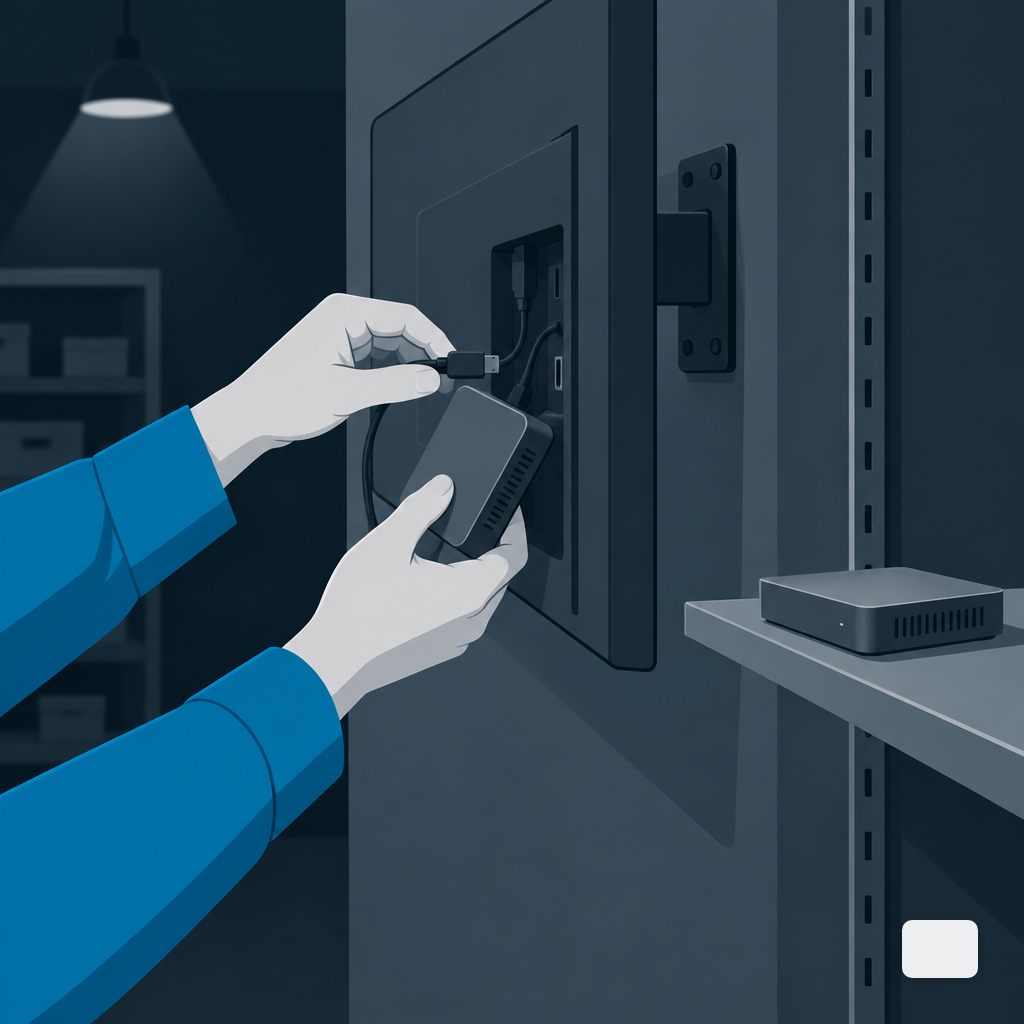
An external player fails like a laptop. The storage wears, a USB power supply browns out, a firmware update bricks the Android image, the fan on a mini PC seizes. You replace the box, re-pair it in the CMS, and the screen is back. Panel untouched. An external player swap runs around $300, versus roughly $2,000 to replace an SoC display outright when the embedded computer dies and the panel is out of warranty.
An SoC display fails like an appliance. Market-leading SoC panels report failure rates under 0.5%, which is a genuinely good number, but the tail is uglier. When the computer side does go, you have one unit on a cart going back to the depot, you lose the screen and the player at once, and lead times on commercial displays run weeks, not days. Keeping a spare player on a shelf is cheap. Keeping a spare 55-inch commercial panel on a shelf is not.
Update Cycles and the OS Lock-In Problem
Software support, not hardware wear, is what usually ends an SoC panel's useful life. Tizen and webOS are controlled by the display manufacturer. When they stop issuing security updates and signage runtime patches for a 2019 panel, your CMS vendor eventually stops testing against it, and new features quietly stop showing up. The panel still turns on. It just drifts out of the ecosystem.
External players decouple that clock. You can keep a 2022 commercial panel and swap the player every three years for a current one that runs the current software build. A Raspberry Pi is a good illustration of the ceiling moving: the Pi 5 landed in October 2023 with 2 to 3x the signage performance of the Pi 4, native 4K60 HEVC decode and dual 4Kp60 HDMI output, which puts budget plug-and-play within reach of operators who were stuck on older boxes.
The practical rule: if your content strategy will change meaningfully in the next five years (new POS, new data widgets, a shift to richer motion), external keeps the door open. If it will not (static daily specials, one video loop, basic daypart changes), SoC's locked environment is a feature, not a bug. Our notes on questions to ask a signage vendor cover how to pin down a specific OS support window before you sign.
Site Swaps and the Replace-Across-Locations Problem
Multi-site operators underweight this one until the first time it hits. If a store closes or relocates, an external player is a shoebox-size thing you throw in a van and provision in minutes at the new site. An SoC panel is a 55-inch piece of glass, mounted, cabled, and often tied to a specific wall. Moving it is a two-person job and a potential insurance claim.
The same asymmetry shows up in troubleshooting. A manager at a problem store can courier a $150 Android box to headquarters for inspection. They cannot courier a wall-mounted display. For geographically distributed brands, that one fact nudges the fleet toward external, even where SoC would win on upfront price per screen. Running screens across time zones adds its own layer, which we unpack in scheduling across time zones.
How Warranty Shapes the Real Lifespan
Panel warranty, not product marketing, tells you how long the manufacturer actually expects their hardware to run. The industry standard for professional signage displays is a 3-year warranty, with 5-year coverage still treated as the exception. That window is a decent proxy for how long an SoC runtime will get real support.
External players have shorter warranties (one to two years is normal) but the modular architecture buys back the gap. You retire the player on its own clock, which is often faster than the panel's clock. The display rides for its full rated life, which on commercial LCD lands in the 50,000 to 100,000 hour range on 16/7 or 24/7 panels. On a 16-hour daypart that is anywhere from eight to seventeen years of panel life, during which the external box behind it will have been replaced once or twice without a ladder.
Picking Per Location, Not Per Vendor
A workable default: external players for anywhere you care about uptime, content richness, or the ability to swap hardware without a reinstall. SoC for simple, single-screen deployments where the fewest moving parts win and the content is mostly static or short video. Mix freely across a fleet. The CMS does not care, as long as it treats both as first-class players.
That last part is where many operators get stuck. Some platforms are built for one architecture and bolt on the other. If you are weighing a move, our Android TV stick versus mini PC comparison covers the external side in more detail, and DigitalSign's hardware page lists the players the browser-based runtime is tested against today, including Android TV and Google TV devices, with Fire TV, Windows, macOS and Raspberry Pi support in progress and Tizen and webOS on the roadmap.
The Decision Worth Writing Down
Before you order, write two numbers next to each site: how many hours a day the screen runs, and how often the content changes meaningfully. Short hours and static content point to SoC. Long hours, frequent change, or anything with live data points to external. Then add a third number, how far the site is from your nearest technician. The farther away, the more an external player's cheap swap and shipping-friendly form factor matters.
Embedded and plug-and-play are both legitimate signage architectures in 2026. The mistake is treating them as a brand choice. Treat them as a per-site engineering choice and the fleet gets cheaper to run, easier to repair, and less likely to show you a breakfast menu at 11:15.
Eric Lamanna
Director of Business Development
Eric Lamanna is Director of Business Development at DigitalSign. He works with the people who have to live with their screens after the install is finished: the owners, marketing leads and operations managers deciding whether the USB stick and the spreadsheet of what plays where can survive another location. Most of his time goes on the unglamorous half of that problem: who is allowed to change a board, what happens to a screen when the Wi-Fi drops, and what running signage across many sites really costs once the site visits are counted honestly. He came to signage software through digital sales and product work, with a long-running interest in automation and security, the two places where a manual process quietly becomes a liability. He is a believer in workflows that hold up when somebody is out sick, which for a screen that has to be right every morning is most weeks. Eric holds a degree in multimedia design from Olympic College and lives in Denver, Colorado, with his wife and children.


