October 6, 2026
Questions to Ask a Digital Signage Vendor Before You Sign
The questions that separate a signage vendor you will keep from one you will replace in 18 months. Use this before you sign a contract or a card.
By Samuel Edwards

Most signage shortlists come down to two or three vendors that all look fine in a demo. The screens play, the templates are tidy, the salesperson is friendly. Then you sign, and six months later you discover the renewal is 15% higher, the player that worked in the pilot does not survive a Wi-Fi blip, and the one person on your team who knew the editor just quit.
That gap between demo and daily reality is where the wrong vendor becomes expensive. The signage category is big and still growing fast, and buyers have real optionality: Grand View Research values the global market at about $31.1 billion in 2025, projected to reach $58.4 billion by 2033. More vendors competing for your signature means more leverage, but only if you ask the questions that force them off the script.
So what should you actually ask before you countersign?
What Happens When the Internet Drops at 11:15 on a Tuesday
Every vendor will tell you their players work offline. Push for specifics. There is a wide gap between "the screen does not go black" and "the right lunch menu is still playing when the ISP is out and nobody is on site."
Ask three things. First, where does the content live when the network is down? Full local cache of every scheduled asset, or just thumbnails and a manifest that stops working once the server is unreachable? Second, does the player follow its own internal clock or does scheduling depend on a server ping, so a daypart change at 11:00 silently fails to fire? Third, what happens on reboot during an outage: does the player come back and resume playback with no connection at all, or does it sit on a loading screen waiting for the cloud?
Industry writeups on offline signage consistently flag the same failure mode: many "cloud-based" tools only store partial files, so when the server is unreachable they lose the ability to play. Make the vendor demo it. Unplug the Ethernet during the call, reboot the device, and watch what the screen does for the next ten minutes.
Who Will Actually Edit Content on Tuesday
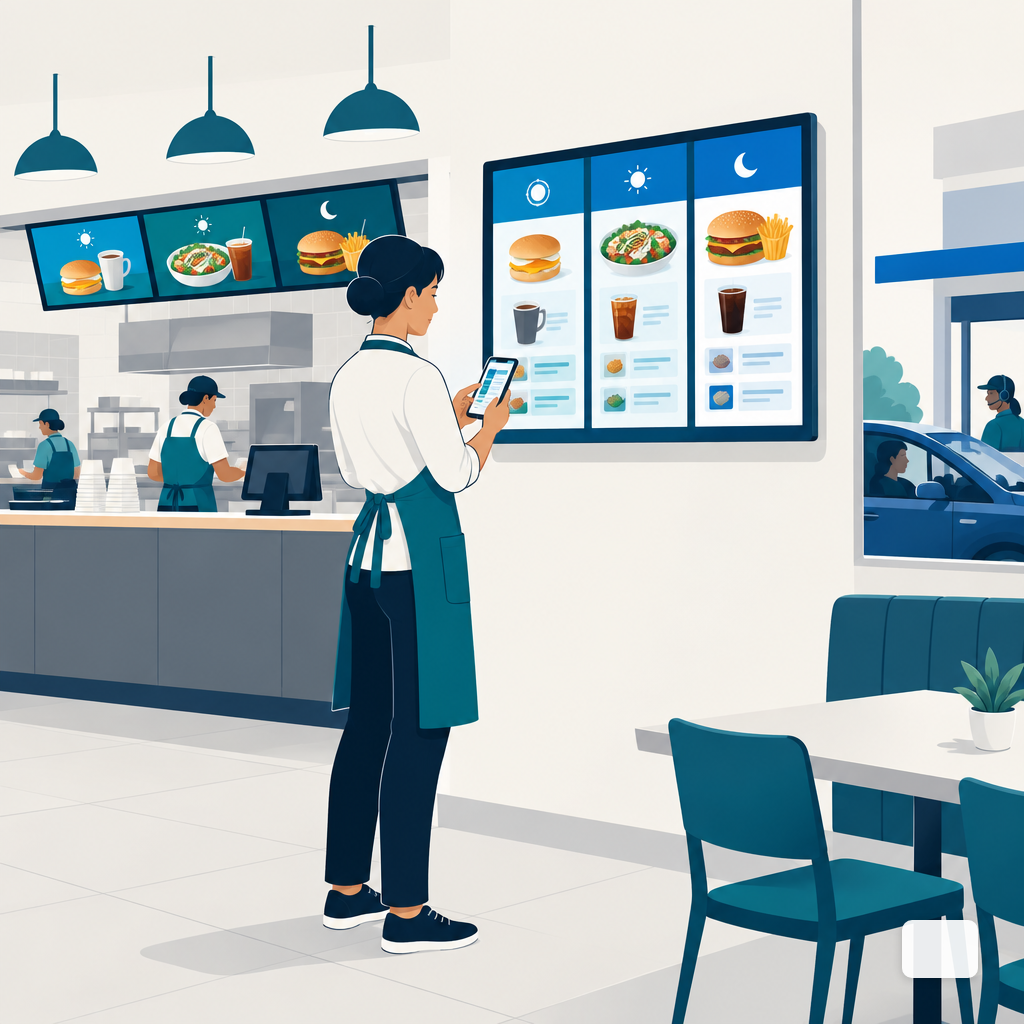
Pilots are run by the person most excited about the project. Production is run by whoever happens to be free on a Tuesday morning when the soup special needs to come down. If the editor assumes design chops, the lunch board will still be showing breakfast at 11:15 because nobody wanted to open the template.
Walk the vendor through a specific weekly task. "A manager with no design background needs to swap three menu items and change a price before the shift starts. Show me, in your tool, how long that takes and what it looks like when they are done." If the answer involves opening a layered canvas, choosing fonts, or exporting assets, that is a vendor built for designers, not operators. Describe-a-screen workflows and AI-generated layouts exist for exactly this problem: the person on shift types what the screen should say and picks from three on-brand options.
Then ask about permissions. Who can publish to which screens? Can a store manager update their location without touching the chain-wide template? Role-based access is one of the standard disqualifiers signage buyer guides flag, and for good reason: without it, every editor is one accidental click away from pushing a half-finished promo to every screen in the network.
The True Per-Screen Cost at Month Twelve
Sticker price is the easy number. The real one is what you are paying per screen on the twelfth invoice, after onboarding fees, support tier upgrades, storage overages, and the inevitable renewal bump.
Three line items hide in most contracts. Setup or onboarding fees that are quoted per site, not per account. Premium support that turns out to be the only tier with a response-time commitment. And auto-renewal increases: Vertice platform data shows 89% of SaaS contracts include auto-renewal clauses, and SaaS prices rise by an average of 9% when auto-renewed. On a 50-screen deployment, a 9% bump is not a rounding error.
Ask every vendor for a written three-year total cost, broken out per screen per month, including every fee that is not optional. Then ask what that number looks like if you add ten screens in year two. For menu boards specifically, the breakdown in our piece on year-one menu board cost is a useful template for the categories to pin down.
The Contract Clauses That Decide Your Next Three Years
Signage contracts are usually written on vendor paper. That means the defaults favor the vendor. Four clauses move the most money and the most risk.
- Auto-renewal and notice window. Common Paper's benchmark of more than 1,000 cloud agreements shows a 30-day non-renewal window appears in roughly 84% of standardized SaaS agreements, with 60 days more common in negotiated enterprise deals. Ask for the longer window in writing, and put the renewal date in your calendar the day you sign.
- Price caps on renewal. Without one, year two can jump arbitrarily. A cap of CPI or 5%, whichever is lower, is a reasonable ask.
- Uptime SLA with credits. A number without a remedy is marketing. If the SLA is 99.9% and the credit for missing it is "contact support," that is not an SLA.
- Termination for cause. If the vendor repeatedly misses the SLA, can you leave without paying out the term? The answer should be yes, in writing.
There is also real leverage in when you start the conversation. Vendr's 2026 SaaS Trends Report finds buyers who open renewal negotiations 75 to 105 days ahead of auto-renewal capture an average 22% discount off the renewal quote, versus 6% for buyers who wait until the final 30 days. Apply the same logic to initial signing: the deal you negotiate before signing is almost always better than the one you try to renegotiate after.
How You Get Your Content and Data Out
Exit terms get skipped because nobody wants to think about leaving the vendor they are about to marry. Skip them anyway and you discover, two years in, that your media library is locked in a proprietary format and your schedules exist only in a UI with no export button.
Ask for the exit path in concrete terms. Can you export every asset you uploaded in its original format? Can you export schedules, playlists, and screen groupings in a structured file? Is there an API or a bulk download, or does "export" mean clicking each item one at a time? GDPR Article 20 grants individuals the right to receive their personal data in a structured, commonly used, machine-readable format and to transmit it to another controller without hindrance, and the spirit of that rule is a reasonable floor for your business data too.
The gap between policy and practice is worth noting: independent research found that 25 to 30% of companies failed to provide data exports within GDPR's mandated 30-day window, and 40 to 50% of returned file formats were not machine-readable. Ask the vendor to show you an actual export file during evaluation, not describe one.
Our piece on switching signage vendors walks through what a clean migration looks like in practice; use it as a reverse checklist for what you want to be entitled to on day one.
Security, Updates, and What Runs on the Box in Your Lobby
A signage player is a networked computer sitting in a public space. It deserves the same scrutiny as any other endpoint. The risk is not theoretical: CVE-2024-7399, a path-traversal vulnerability in Samsung MagicINFO 9 Server, was actively exploited to upload JSP files, execute arbitrary code with system authority, and recruit vulnerable signage servers into a Mirai botnet.
Ask who pushes security patches, on what cadence, and whether updates happen automatically or require someone to log into each device. Ask what runs on the player beyond the signage app, and whether the OS is a hardened signage build or a general-purpose install. Ask how authentication works for the admin console: SSO support, two-factor, session timeouts. If the vendor cannot give concrete answers, assume the posture is weak.
| Area | Weak answer | Ask for |
|---|---|---|
| Offline playback | "Yes, it works offline" | Live unplug + reboot test, 10 min |
| Editing workflow | "Our editor is really flexible" | Timed task by a non-designer |
| True 12-month cost | "$X per screen per month" | Written 3-year TCO, all fees |
| Renewal terms | "Standard auto-renew" | 60-day notice, CPI or 5% cap |
| SLA | "99.9% uptime" | Credits defined, cause-based exit |
| Data export | "You can export anytime" | Sample export file during eval |
| Security patching | "We handle updates" | Cadence, auto vs manual, SSO/2FA |
| Pilot | "Sign the full term, cancel later" | 30-day paid pilot, written criteria |
Pilot Terms Before You Commit the Whole Fleet
The best way to compare two shortlisted vendors is to run both for 30 days on two or three real screens in a real location, not in a conference room. Ask each vendor whether they will support a paid pilot with a short-form agreement, no multi-year commitment, and a defined success criteria you agreed to in writing before kickoff.
Set the criteria in operator language. The lunch board changes over cleanly at 11:00 for four weeks in a row. A manager with no training can swap a promo in under five minutes. The screens come back on their own after a power cut. Playback continues through a simulated two-hour internet outage. If a vendor will not run a pilot on those terms, that itself is useful information.
Making the Call
The vendor who answers these questions concretely, in writing, and demonstrates the behaviors live is usually the vendor worth signing with, even if the sticker price is slightly higher. The one who hedges on offline behavior, cannot produce a sample export file, or waves off the renewal clause is telling you how year two will feel.
Shortlist in hand, line up the demos, and ask the questions in the order they appear here. If you want to see how DigitalSign answers each one on your actual use case, book a demo and bring the hardest screen in your network to the call.
Samuel Edwards
Chief Marketing Officer
Samuel Edwards is Chief Marketing Officer at DigitalSign. He has spent 15+ years in technical SEO, content strategy and demand generation, running paid and organic operations for organisations ranging from venture-backed startups to Fortune 500 companies, and has spoken at the Search Marketing Expo series and on the TEDx stage. At DigitalSign he writes about screen content as a piece of marketing that people read from across a room: how long someone actually looks at a board, why five words beat fifteen, and how a business keeps its in-store messaging as current as its website without handing the job to a designer every week.


