November 16, 2026
Samsung Tizen and LG webOS Signage Compared Honestly
Compare Samsung Tizen and LG webOS commercial displays on built-in apps, remote management, panel lifespan, and what each means for a signage operator.
By Timothy Carter

Samsung Tizen or LG webOS for signage, which should you buy? Either will drive a menu board for the five to seven years a commercial panel typically lives, but the better pick turns on what you plan to run on the screen and how deep your IT team wants to go into the hardware.
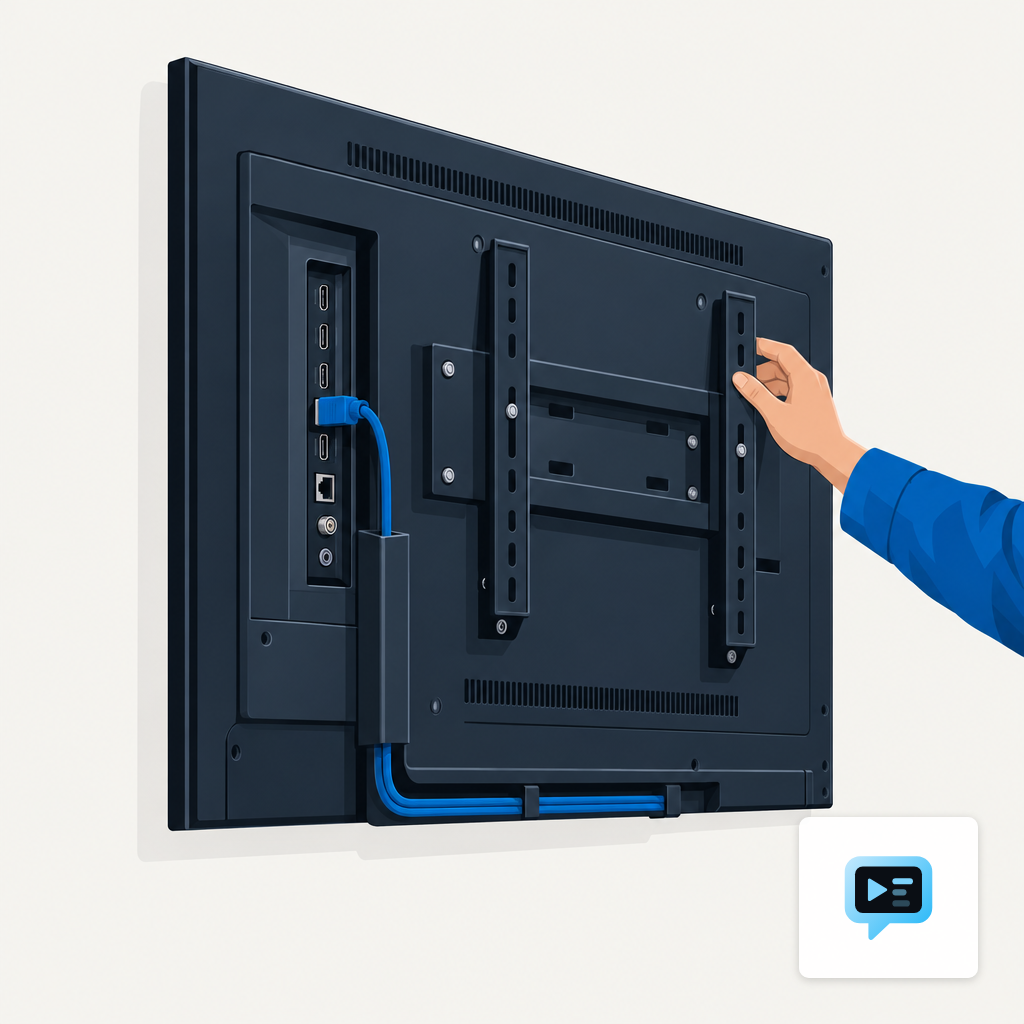
Both operating systems ride a System-on-Chip welded to the back of a commercial LCD panel, which is how one cable can run a storefront without any external device. The catch is the same on either side: the embedded chip is tied to the panel's lifespan, so you cannot swap it out in year three without replacing the display.
What Tizen and webOS Actually Are on a Panel
Tizen is Samsung's in-house Linux fork, first shipped on consumer TVs and now carried across the QMC, QHC and interactive IWB signage lines. The current signage generations run Tizen 6.5, 7.0 or 8.0, roughly one revision per year. webOS is LG's equivalent, acquired from HP in 2013, and now rides the commercial UH5N and UH7N lines along with the hospitality TV range.
Both chips run HTML5 apps as the primary runtime, which is why most third-party signage CMS products ship builds for both without a native rewrite. The Samsung TV SDK is built on Tizen Studio and includes a web editor for HTML, CSS and JavaScript with console logging and privilege checking. LG exposes its runtime through a documented JavaScript surface that every webOS signage CMS is built against. If your CMS already lists both in its hardware matrix, the runtime between the two will not decide the deal.
How the Management Software Compares
MagicINFO is Samsung's own CMS, free in a limited Lite flavor and paid in Premium, with a documented API and remote hardware monitoring across a fleet. LG's SuperSign CMS plays a similar role on webOS, with a free Control tier for playback and a paid Premium tier that adds scheduling, templates and bulk device management. Either will run the small chains that Samsung and LG designed them for; neither is the right tool for a mixed-OEM fleet.
Where the two diverge is the API surface a third-party CMS can actually reach. On webOS there are two documented JavaScript layers: SCAP for the operational basics like serial number, volume and power scheduling, and a deeper IDCAP layer that reports panel temperature, fan speed, ambient light, backlight hours and firmware version. The split matters when a signage vendor claims proactive fault detection; without IDCAP access, any temperature alert is guesswork.
Panel Lifespan and How the SoC OS Ages
Commercial 24/7-rated LCD panels are usually specified to 50,000 to 70,000 hours of operation. That works out to roughly five to six years of continuous use, which lines up with how long most operators actually keep a display before a repair becomes uneconomic. The chip inside the panel, however, has its own update clock, and you cannot refresh it separately from the glass.
Samsung ships a new Tizen signage revision roughly once a year. The firmware jump matters: Samsung began rolling Tizen 8.0 to 2023 TVs in October 2024, which lifted the embedded web engine from Chromium 94 to Chromium 108. That is a meaningful bump for anything built on modern CSS or JavaScript, but a two-year-old panel had already missed two release cycles by the time the update arrived. Whichever platform you pick, the question is not whether it is current the day you buy it, but how it will look in year five.
Security and Hospitality Features Split
For buyers in regulated environments, the certification story is the clearest difference right now. Samsung Knox received Common Criteria certification for monitors in March 2026, validating three features: System Integrity Monitor, Web Browser Security, and Unauthorised Execution Prevention. LG's equivalent story is the hospitality-focused Pro:Centric Stay platform on webOS 23, available on hospitality TVs from 43 to 75 inches, which adds PMS integration and a Credentials Clear capability that logs out of streaming apps and wipes guest data at checkout.
Pick the platform whose certification pattern matches where you plan to install it. A hospital waiting room has a different review path than a hotel lobby, and the signatures each OEM has stamped on each OS are not interchangeable between those buildings.
Who Is Actually Shipping the Most Panels
If you are planning a five-year rollout, shipping volume is a rough proxy for parts availability, replacement timelines and installer familiarity. The two dominant OEMs are not close in share, and the lead has widened in 2026.
Samsung's lead means almost any AV integrator in North America can source a replacement QMC panel inside a week, and most CMS products are tested on Tizen before webOS. LG's position is still substantial, and its OLED and transparent displays have no direct Samsung equivalent in retail and museum applications. For a plain indoor QSR menu board, availability is not the deciding factor; for specialty hardware, it still is. A careful look at where to buy signage displays is time well spent before the first PO goes out.
When to Lean on the SoC and When to Pair an External Player
The SoC is the right default when your content is HTML, images and short MP4s, your fleet is small enough that a vendor's own CMS can manage it, and you expect to replace the panel on its normal end-of-life. That is the majority of QSR, retail and office use. A browser-based player on the SoC pairs well with an AI digital signage tool that generates the creative in your brand colors and schedules it without a designer in the loop.
Pair the panel with an external player when you need capabilities the SoC cannot realistically deliver over five years: heavier HTML5 with modern JavaScript, interactive content, video that pushes decoder limits, or a fleet large enough that a single CMS across mixed Samsung and LG panels is non-negotiable. The trade-offs are covered in our embedded vs plug-and-play comparison, and a quick read of the signage players page will tell you which boxes are supported today.
Back to the Showroom Floor
If you walked into this piece picking between a Samsung QMC and an LG UH-series for a lobby or counter, the honest answer is that both will play your content for the life of the panel. Sort the decision by the software you want to run on top, the certification your sector needs, and the odds that your IT team will still be happy with the chip in year five. When the SoC fits those three tests, use it. When any one of them wobbles, plan the panel plus a replaceable player, and move on without second-guessing the OS on the back.
Timothy Carter
Chief Revenue Officer
Timothy Carter is a digital marketing industry veteran and the Chief Revenue Officer at DigitalSign. With a career spanning over two decades in the dynamic realms of SEO and digital marketing, Tim is a driving force behind revenue strategy. With a flair for the written word, Tim has graced the pages of renowned publications such as Forbes, Entrepreneur, Marketing Land, Search Engine Journal, and ReadWrite, among others. At DigitalSign he writes about the commercial side of the screens a business already owns: what a menu board is worth when it changes with the daypart, what a promo that kept running a week past its end date really costs, and why the signage budget an owner argues about is usually a content problem rather than a hardware one. Beyond his professional pursuits, Tim finds solace in the simple pleasures of life, whether it's mastering the art of disc golf, pounding the pavement on his morning run, or basking in the sun-kissed shores of Hawaii with his beloved wife and family.


